Billing & Subscription
PoolAxis starts with a 14-day free trial — no credit card needed. Here's how the plans work and how to manage your subscription.
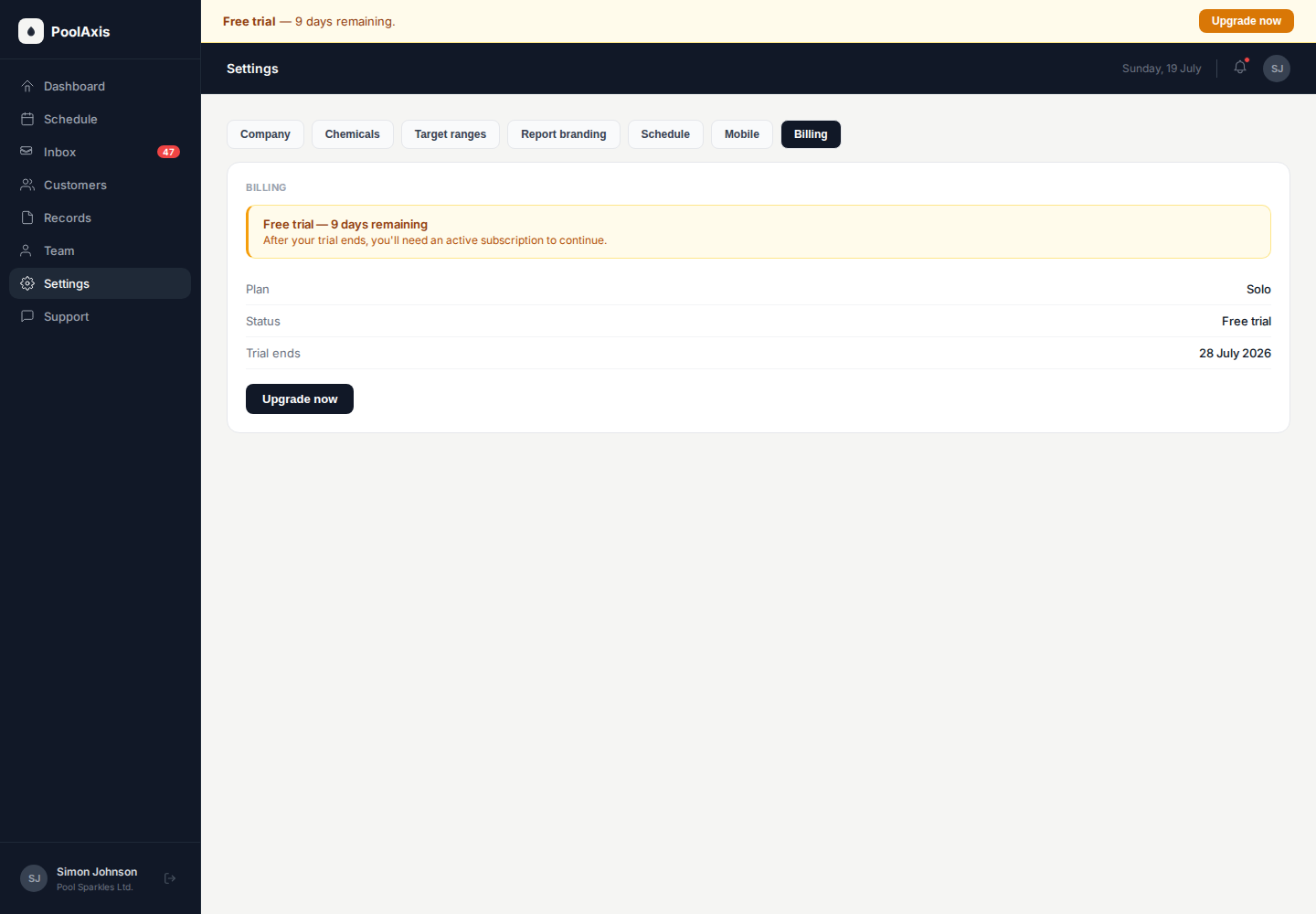
Free trial
Every new account gets a 14-day free trial with full access to all features. You don't need to enter a payment method to start. At the end of the trial, you'll be prompted to choose a plan to continue using PoolAxis.
Plan tiers
- Solo — ideal for owner-operators. 1 technician seat, up to 60 pools.
- Crew — growing teams. Up to 10 technician seats, unlimited pools.
- Fleet — large operations and franchises. 10+ technicians, custom pricing.
All plans include unlimited customers, jobs, service reports, the owner app, and the web admin dashboard. Pricing is per active technician seat — no per-pool or per-owner fees.
Prices are exclusive of GST. NZ customers will have 15% GST added at checkout. AU customers pay the listed price with no GST. Subscriptions are billed monthly.
Upgrading your plan
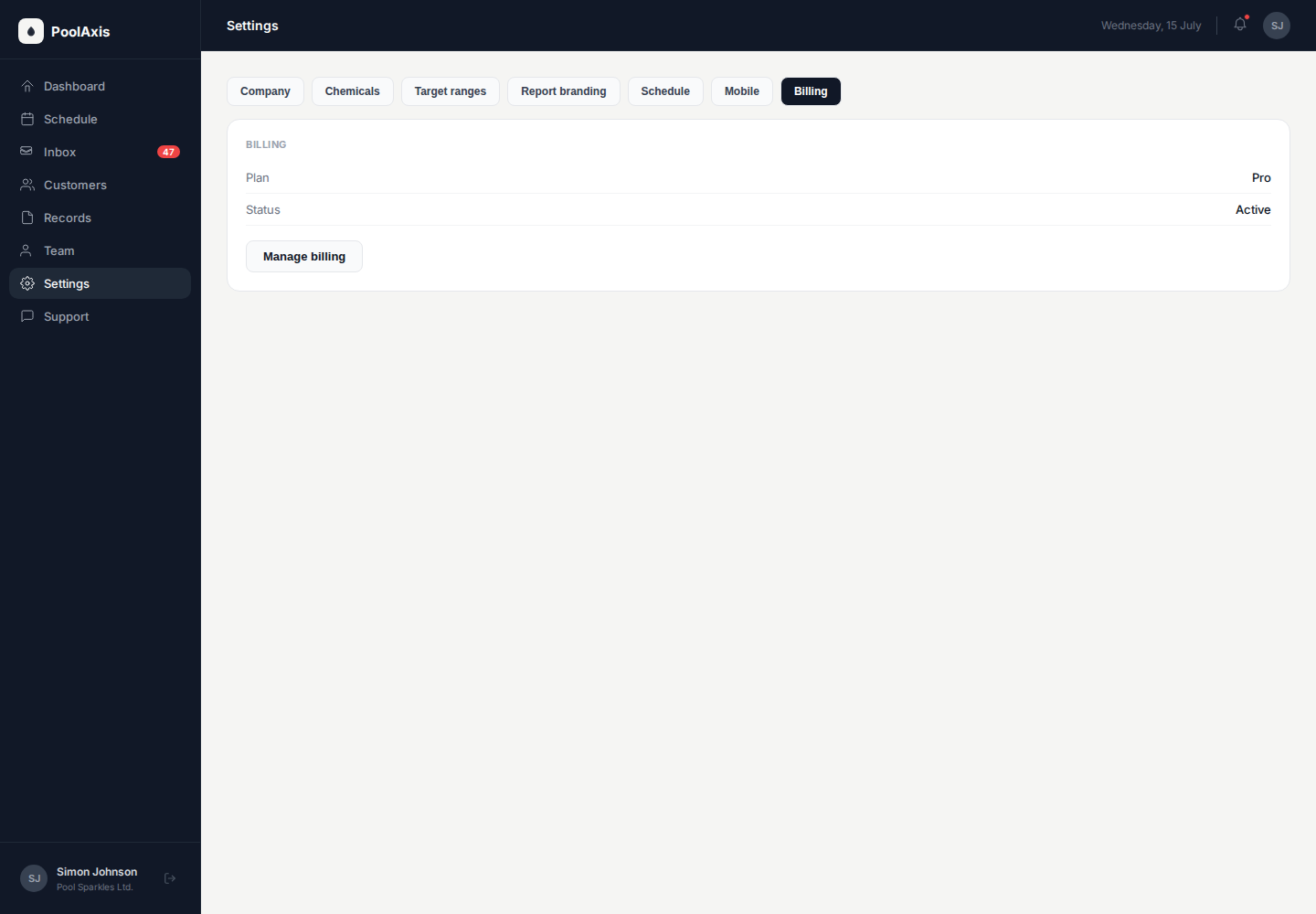
Go to Settings → Billing. Click Change plan, select the plan you want, and enter your payment details. The upgrade takes effect immediately.
If you're upgrading because you need to add more technicians, you can go to Settings → Billing directly from the prompt that appears when you hit your technician limit.
What happens when the trial ends
If you don't subscribe before the trial ends, your account is paused. You won't lose any data — your customers, jobs, and reports are all retained. You'll be prompted to pick a plan when you next log in. Once you subscribe, everything is restored immediately.
Cancelling your subscription
Go to Settings → Billing and click Cancel subscription. Your account remains active until the end of the current billing period. After that, your account is paused but not deleted — your data stays in PoolAxis for 90 days if you want to reactivate.
If you need to permanently delete your account and all associated data, contact support.