Finding a customer — the Search tab
The Search tab lets you quickly find any of today's jobs by customer name or address — useful when you need to jump to a specific pool without scrolling through the whole run sheet.
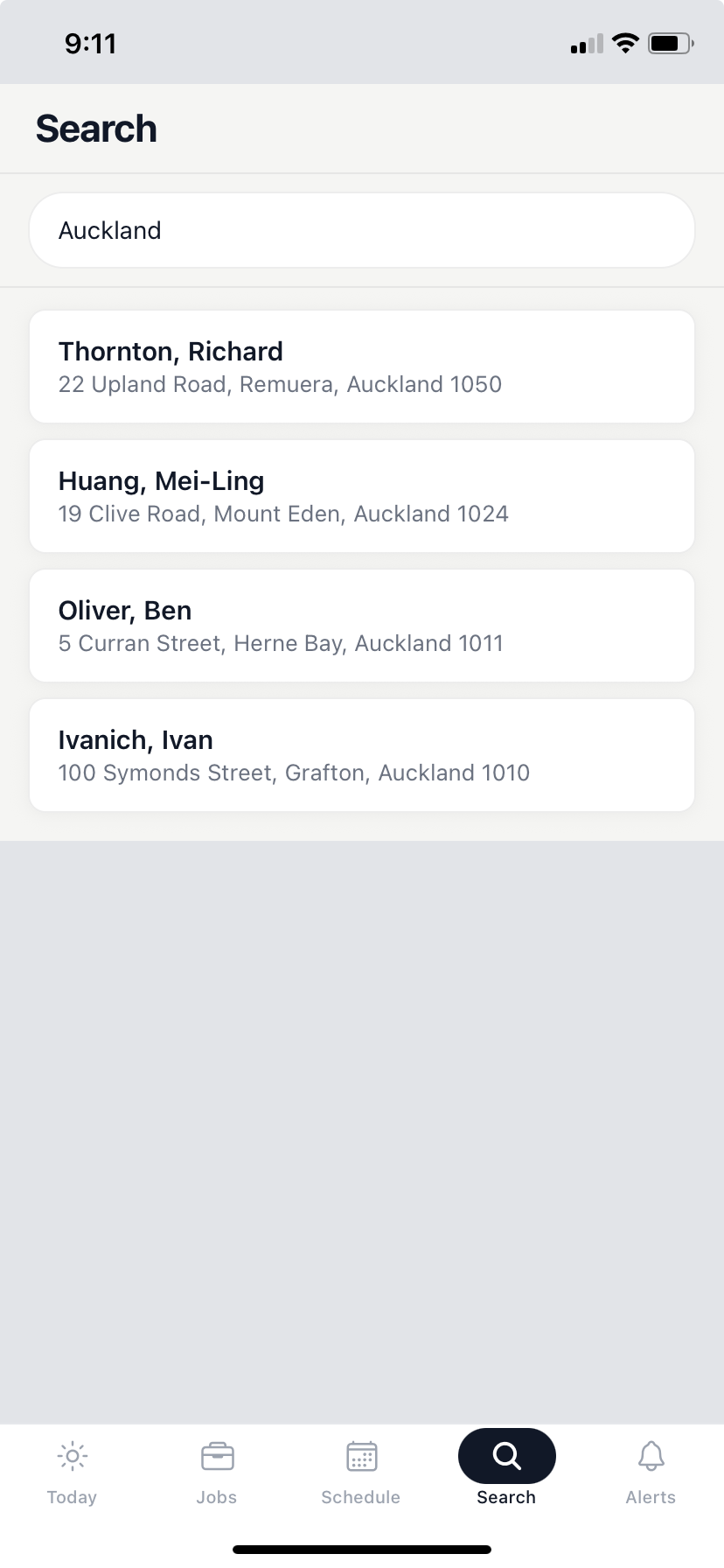
How to search
- Tap the Search tab (fourth tab at the bottom of the screen).
- Start typing a name or address.
- Results appear as you type — no need to press enter.
- Tap a result to open the job detail screen for that customer.
What Search covers
Search shows today's jobs only. If a customer doesn't appear in results, they're not on your run for today.
- To find a carried-over job from a previous day, open the Jobs tab and expand the Carried over accordion.
- To find a job on a future date, check the Schedule tab and tap that day.