Your schedule — the Schedule tab
The Schedule tab (third tab at the bottom of the screen) gives you a forward look at the week ahead. It's a read-only view — you can't move or edit jobs from here.
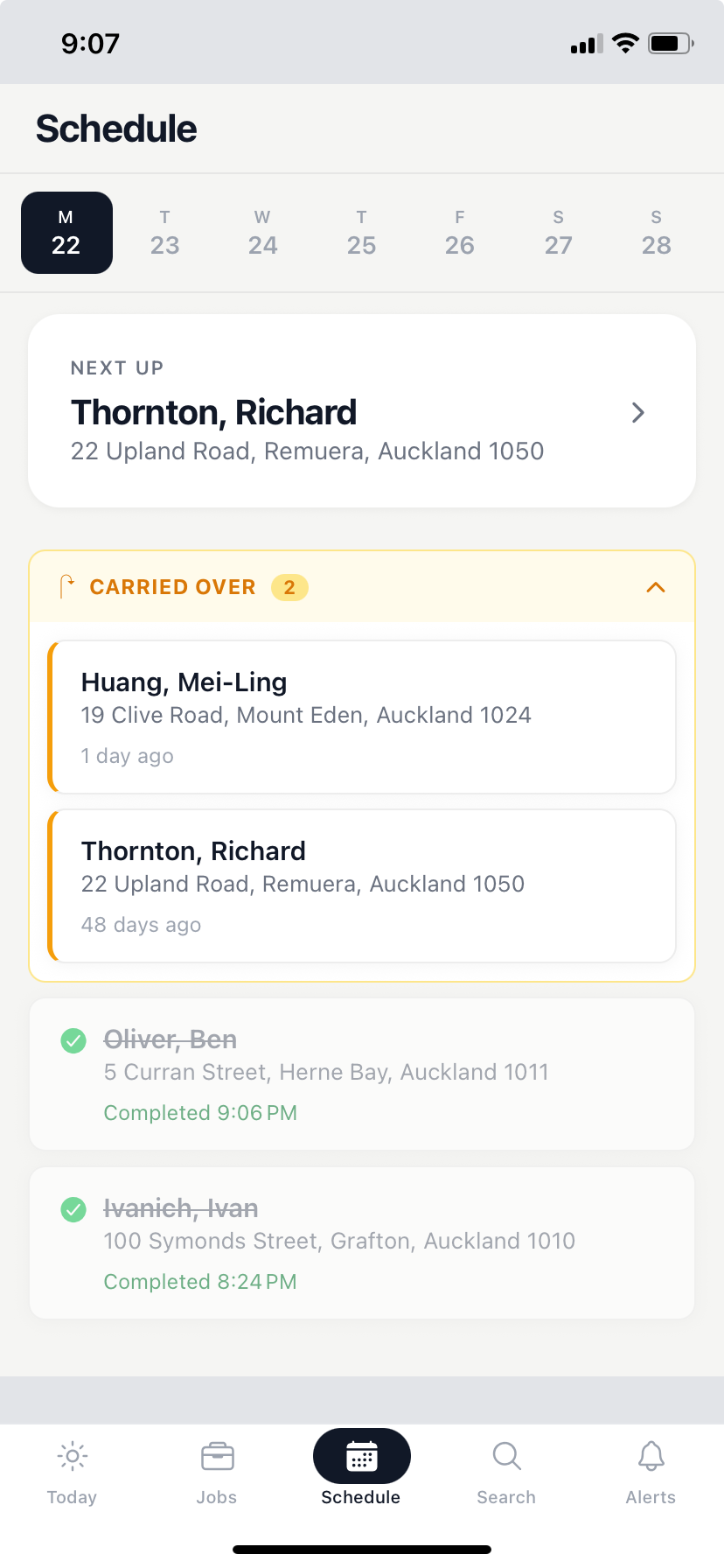
The 7-day strip
A strip across the top shows seven days starting from today. Tap any day to see what's on for that date.
Next Up and Carried Over
Below the strip:
- Next Up — the jobs scheduled for the day you've selected.
- Carried Over — any jobs from an earlier date that weren't completed and have rolled over to this date.
If a day has nothing assigned, the list will be empty.
Getting changes made
Your schedule is managed by your office admin through the web portal. If something looks wrong — a missing pool, a wrong day, a job that shouldn't be there — get in touch with your admin to sort it out.