The customer record
To open a customer record, go to Customers in the sidebar and tap the customer's name. The record has eight tabs.
Overview
The Overview tab is your summary view of the customer. From here you can:
- Edit — update the customer's contact details (name, email, phone, address).
- Message owner — send a direct message to the pool owner via the Poolside app.
- Send invite / Resend invite — invite the owner to Poolside, or resend the invitation if they haven't activated yet.
- Add pool — add a second pool or spa to the customer record.
Pool
The Pool tab shows this customer's pool configuration: volume, surface area, sanitiser system, water source, and notes. Edit these details here if anything changes.
Cleaning
The Cleaning tab shows the standard checklist tasks that apply to every service visit for this customer. Review or update the tasks that are expected for this pool.
Equipment
The Equipment tab is a record of the pool's installed equipment — pump, filter, chlorinator, heater, and anything else your technician needs to know about. Keep this updated so technicians have accurate context before starting a job.
Filter
The Filter tab shows the filter type and maintenance history for this pool. Useful for tracking when the filter was last serviced and what type of maintenance was done.
Service History
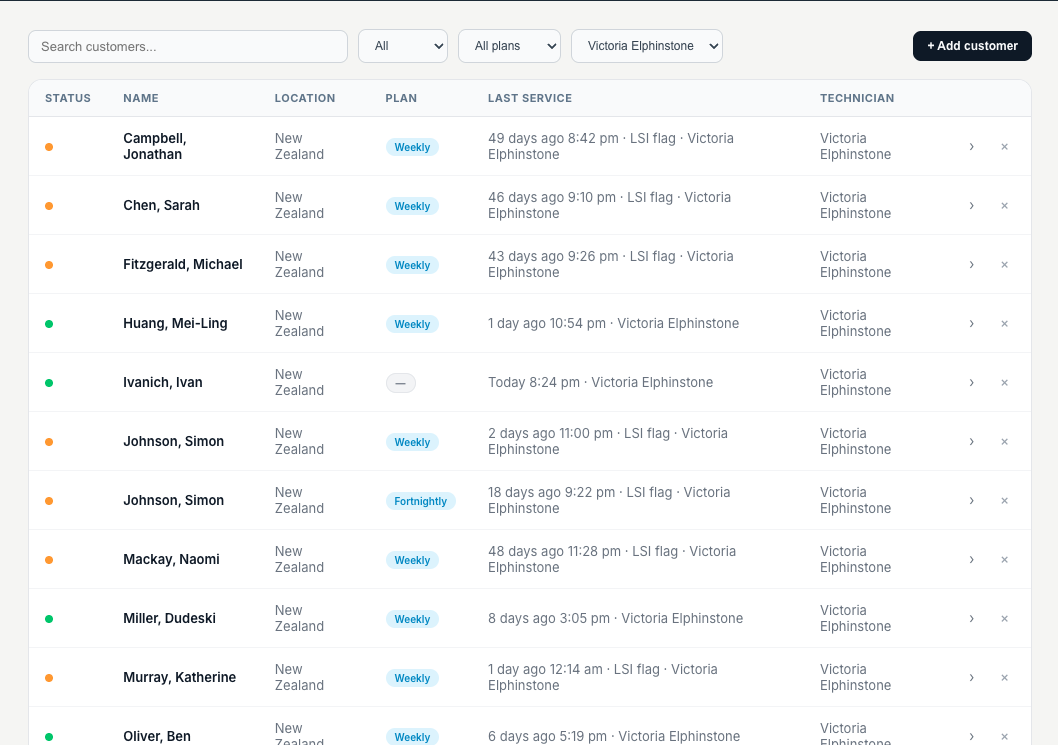
The Service History tab shows every completed service visit for this customer in reverse chronological order. Tap any visit to open the full service record — readings, treatments, photos, and notes.
Trends
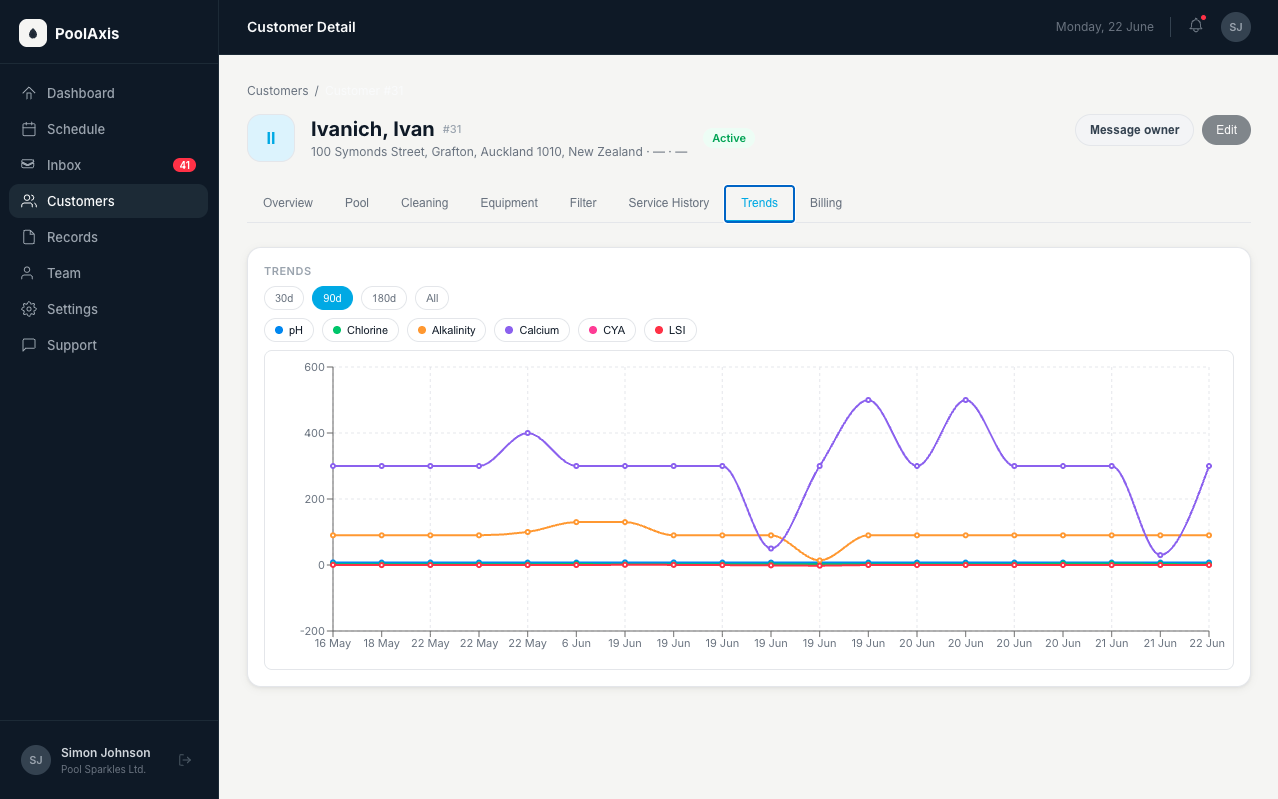
The Trends tab displays chemical readings over time as charts. Use this to spot patterns — a pH that keeps creeping up, chlorine that's consistently low — and catch problems before they become complaints.
Billing
Billing is coming soon. The Billing tab will show this customer's billing status and plan details once available.