Requesting a Visit
If you need an extra service visit between your regular scheduled services, you can request one directly from the Poolside app.
How to submit a request
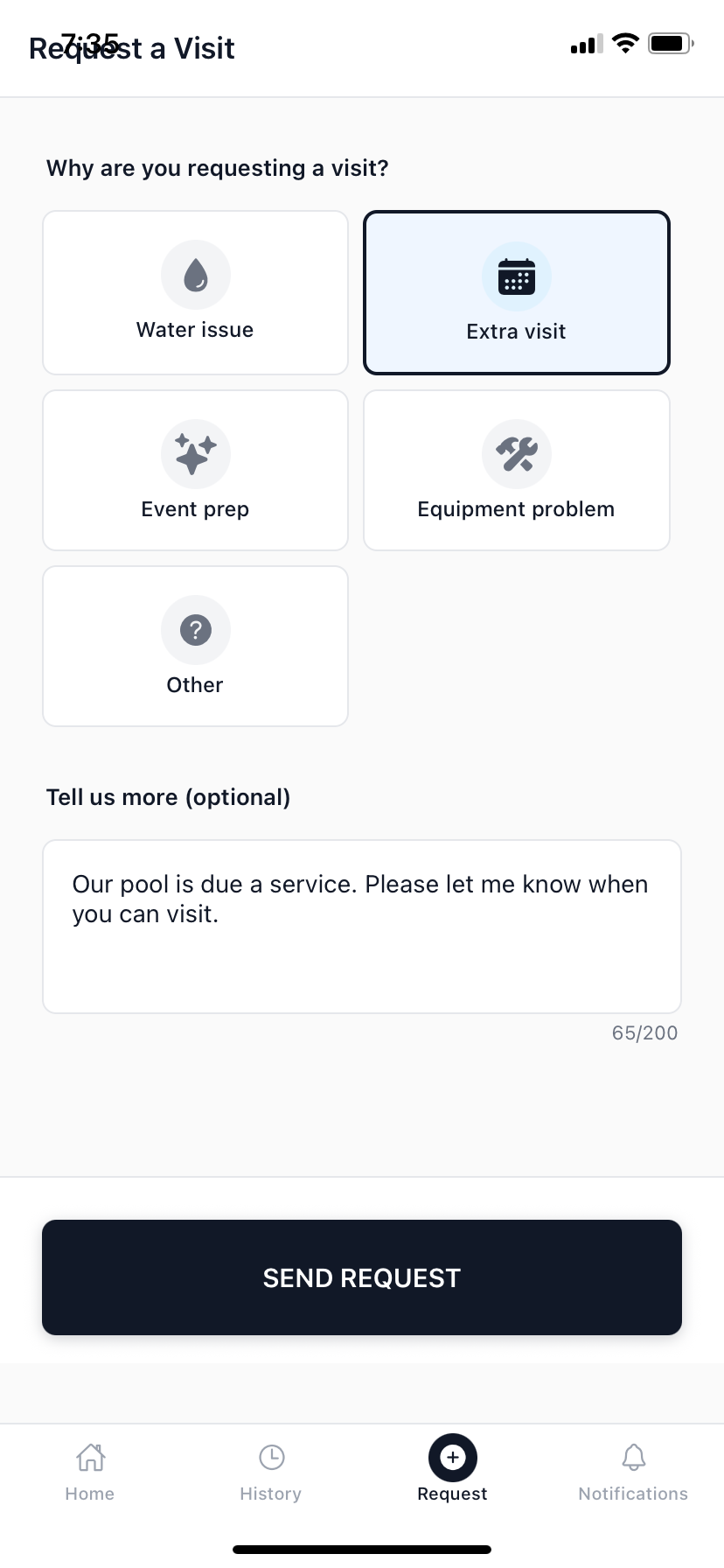
- Tap the Request tab at the bottom of the Poolside app, or tap Request a Visit on the Home screen.
- Select the reason for your request — tap one of the five options: Water issue, Extra visit, Event prep, Equipment problem, or Other.
- Optionally add details in the Tell us more field — for example, "Water has gone green" or "Preparing for a party on Saturday". Maximum 200 characters.
- Tap Send request.
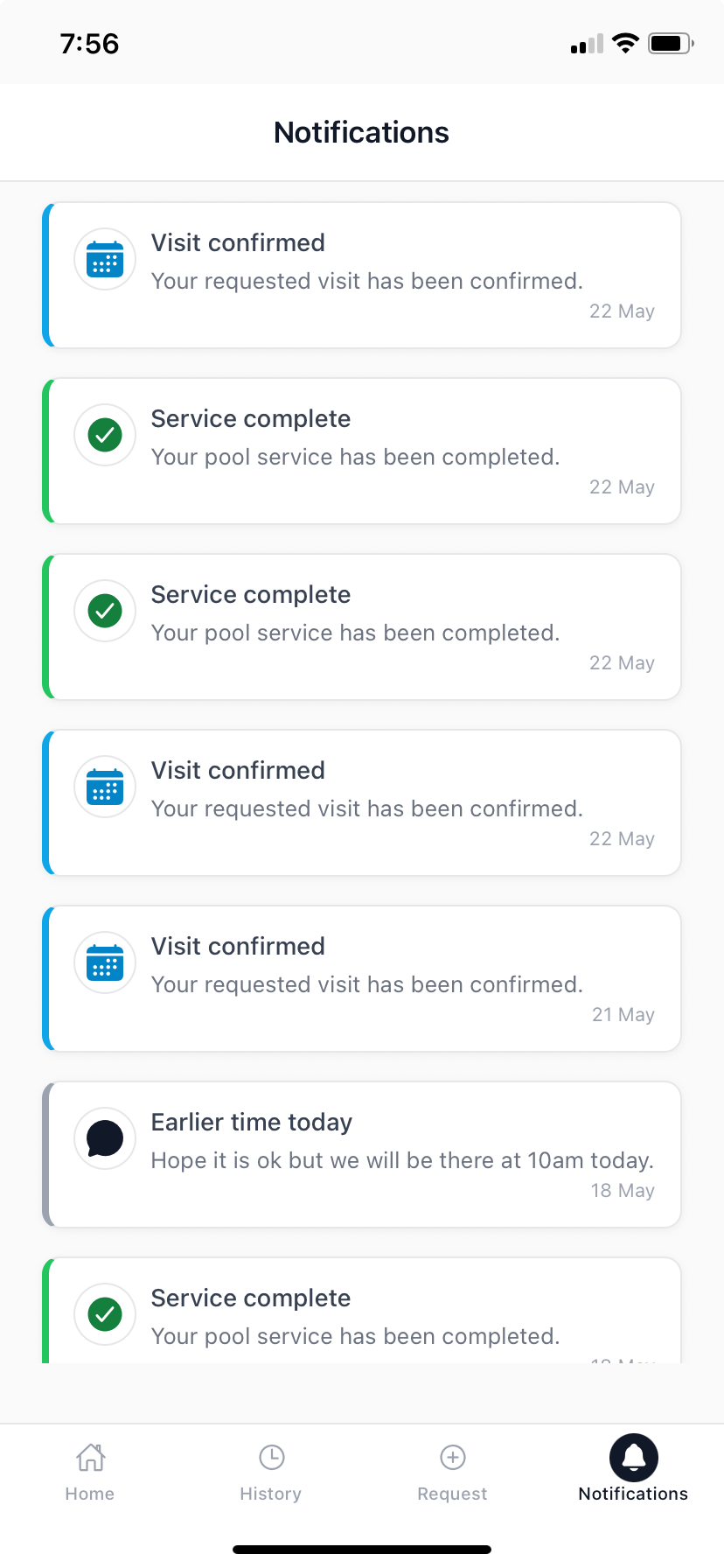
Your pool company receives the request in their Inbox and will contact you to confirm a time. You'll hear back from them directly — by phone, email, or a message in the app.
What happens after you submit
Your request goes straight to your pool company's admin panel. They can see the details you've provided and will schedule a visit based on technician availability. This is not an automated booking — your pool company will confirm the time with you.
Urgent issues
If your pool issue is urgent — for example, a green pool before an event or a potential equipment fault — note this clearly in the request. You may also want to call your pool company directly so they can prioritise your visit.